
An Altweeb solution for legal professionals

Your firm.
Your method.
Your platform.
Bring matter, client, and day-to-day legal work into one platform designed to support the way law firms operate.
- Cloud or self-hosted
- Modular platform
- Adaptable to your needs
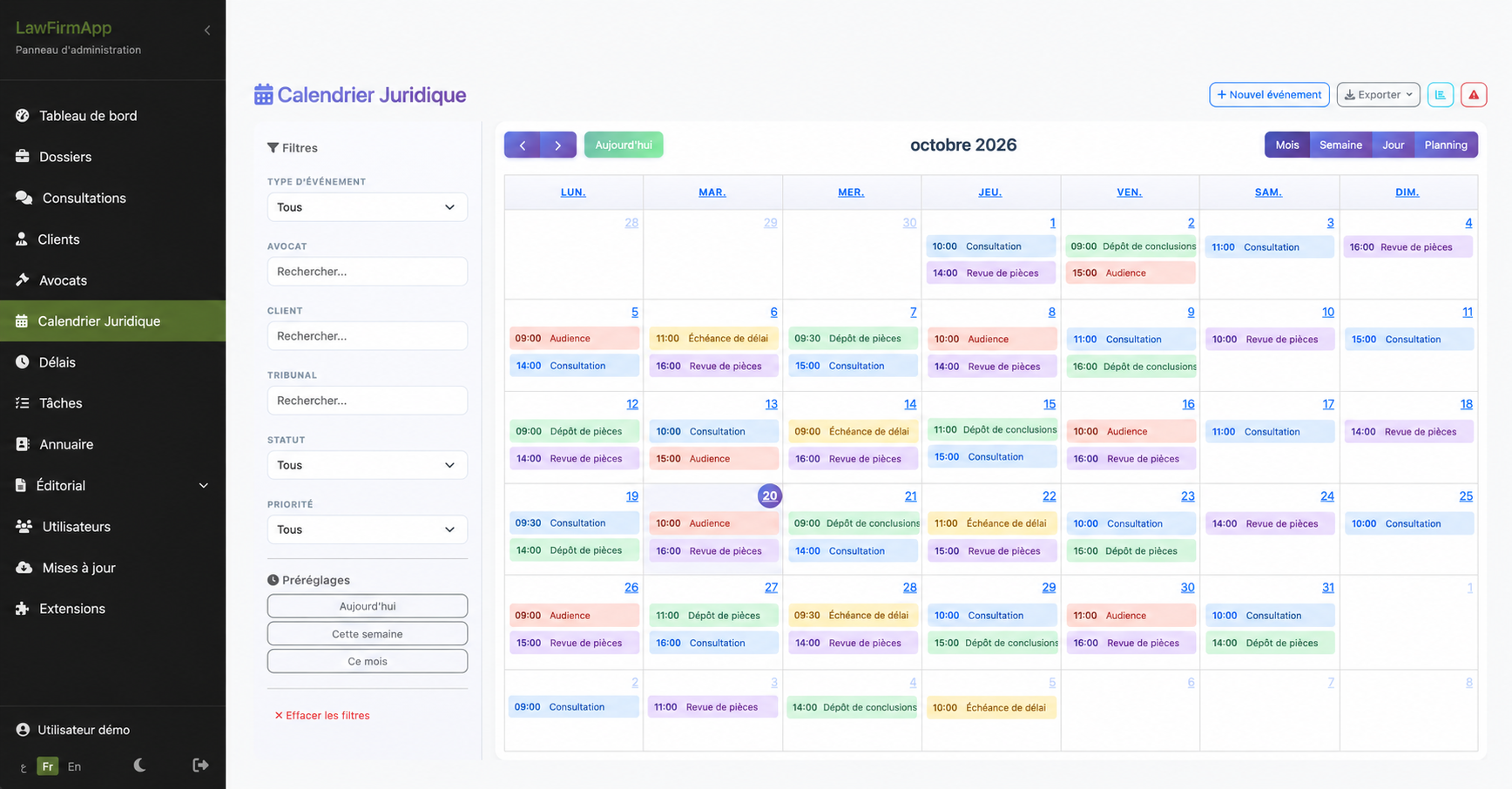

Your legal work deserves a clearer way to stay organized.
Matter details, client information, documents, hearings, and tasks are central to a law firm’s work. When they are spread across tools, finding the right context takes extra effort. LawFirmApp brings useful matter and firm activity into one interface.
Features
Practical tools for managing your law firm
See authentic application screens. Available modules and options may depend on the selected configuration.
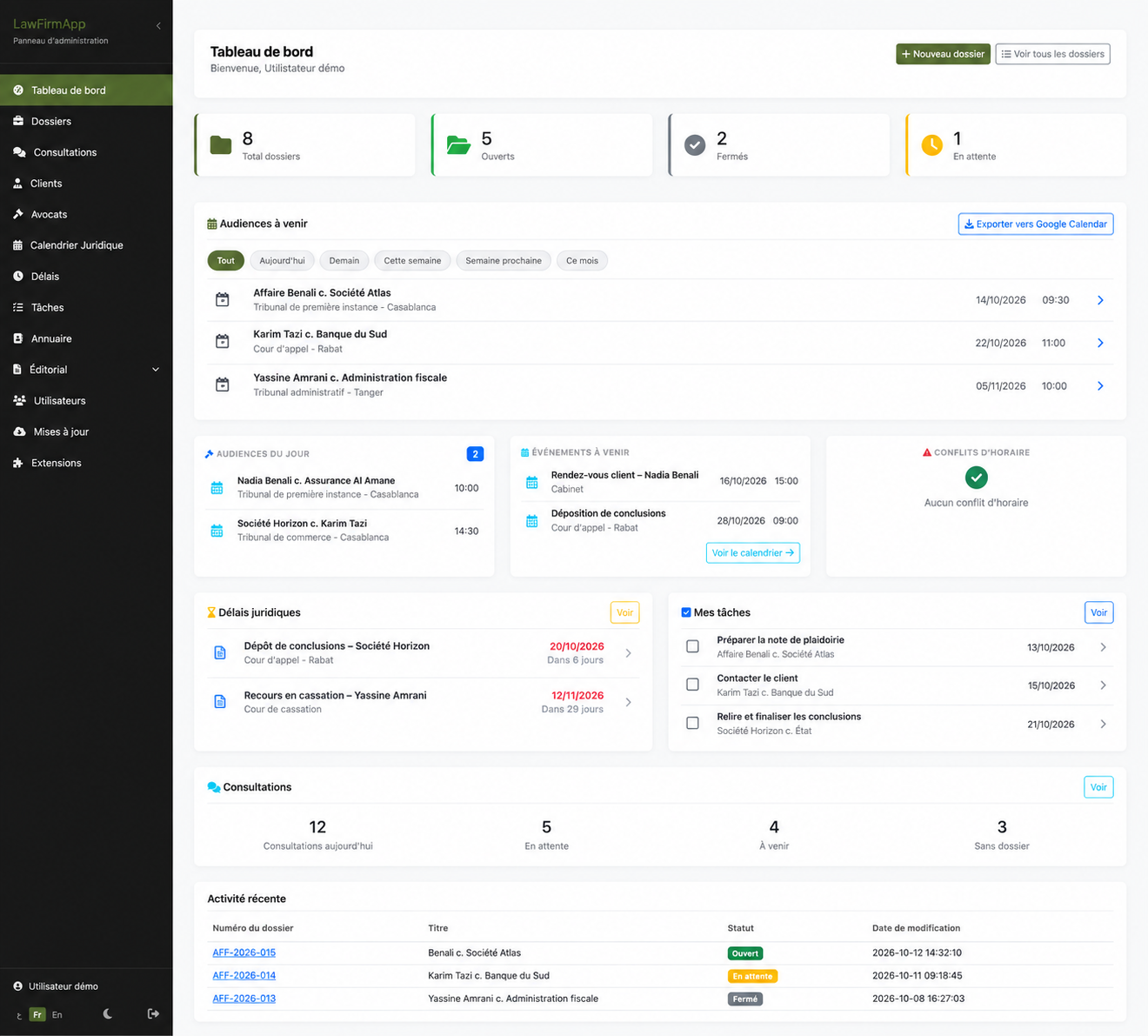
See the firm’s activity at a glance
The dashboard brings matters, upcoming hearings, deadlines, tasks, and recent activity together so your team can keep priorities in view.
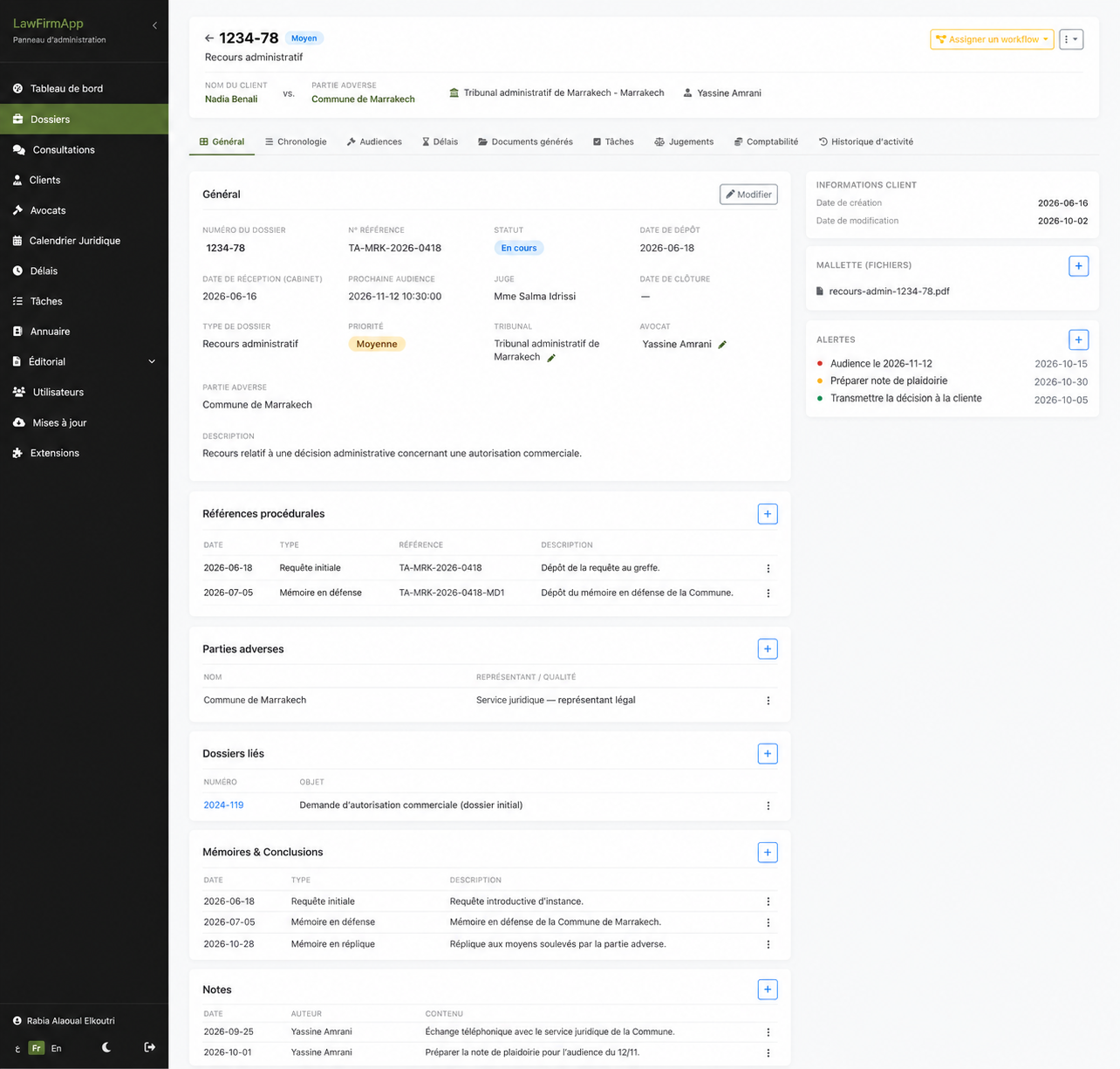
Keep important details with each matter
Review general information, parties, procedural references, documents, notes, and related matters in one place.
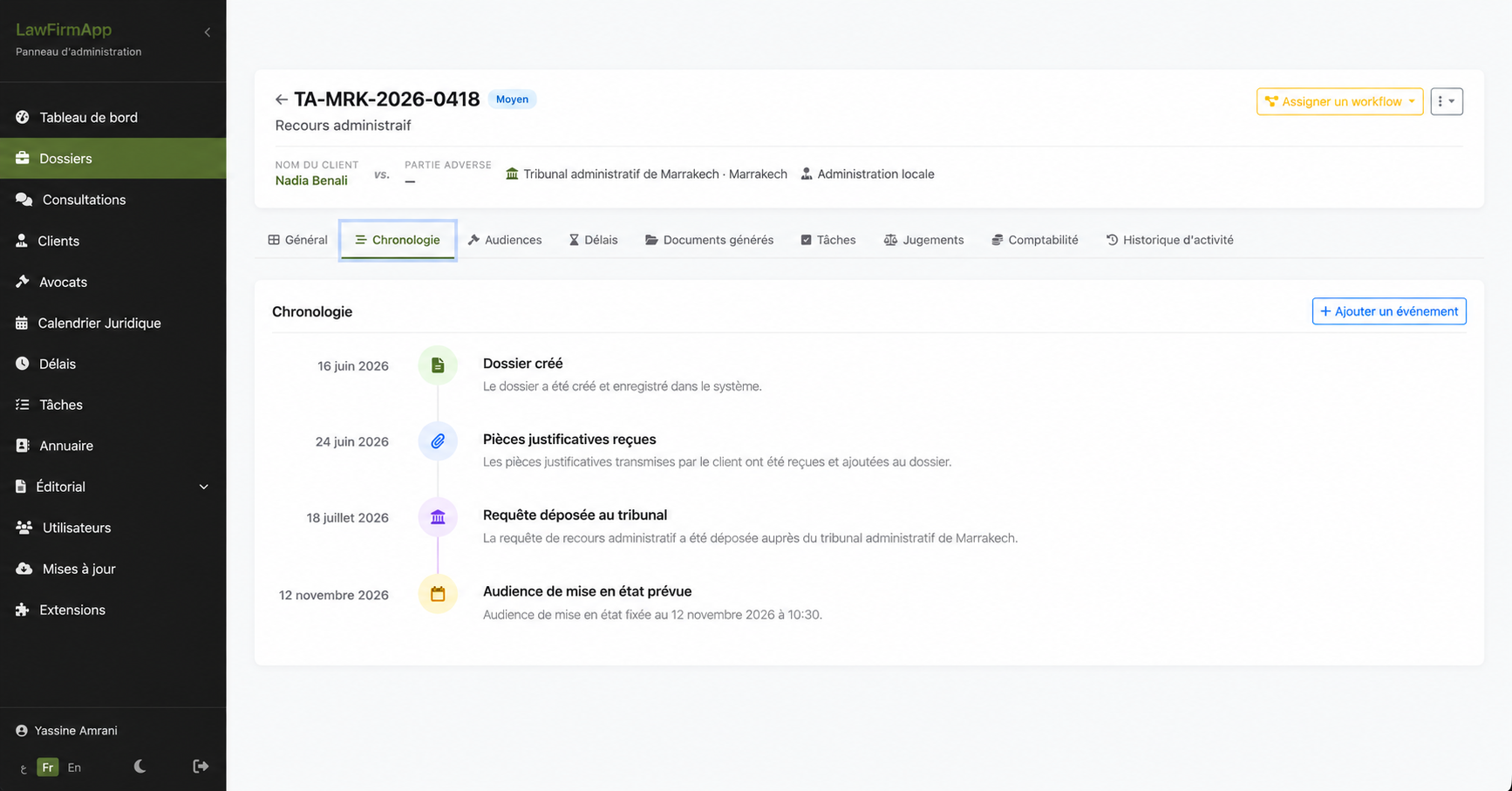
Follow progress through a matter timeline
Keep dated events and key steps together in a timeline the team can refer to as work progresses.
Keep hearings and deadlines in view
Review scheduled hearings, dates, times, and locations, then use the legal calendar and its filters to plan the work ahead.
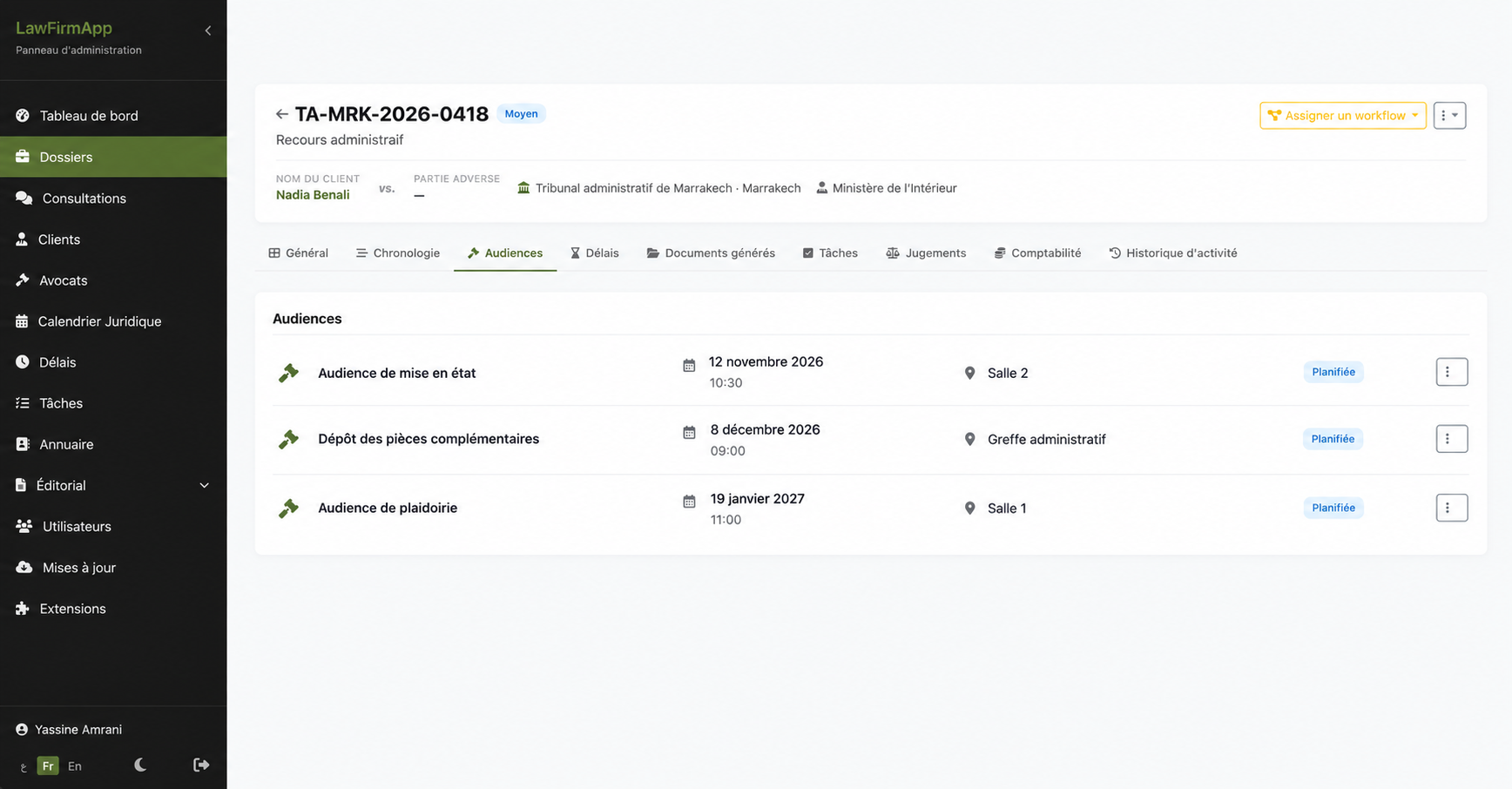
Across the matter lifecycle
More of the work connected in one place.
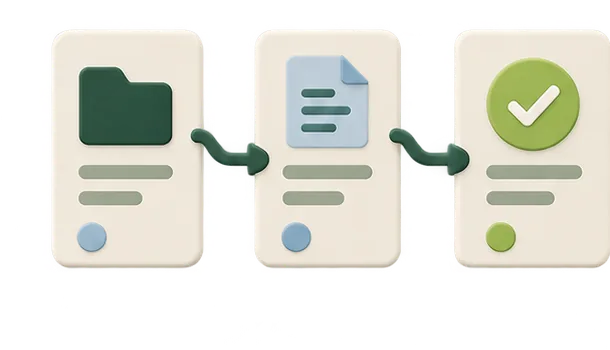
Case workflows
Organize case stages, related events, and next actions. Workflow transitions can add timeline and calendar events according to the configured process.

Documents and templates
Generate documents from templates in French, Arabic, or English, export to PDF or DOCX, and review version history.

Planning and tasks
Use calendar views for hearings, deadlines, and other events; assign tasks and review schedule conflicts for the same lawyer.
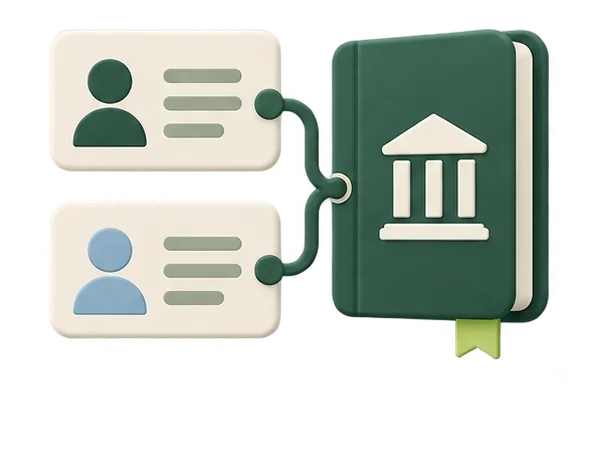
Clients and legal directory
Connect clients and opposing parties to matters, and consult directories for Moroccan courts and legal professionals.
Security & data protection
Security controls documented for sensitive legal work.
LawFirmApp documentation describes account safeguards, activity records, and optional encryption. Some protections depend on configuration and deployment; encryption is disabled by default and must be enabled and verified for each installation.

Account safeguards
Five failed sign-in attempts trigger a 15-minute lockout. Sessions expire after six days of inactivity; passwords are hashed with bcrypt and forms include CSRF protection.

Auditable activity
Important actions are logged. The activity history records changed field names without their values; a separate access audit can record who viewed or downloaded a resource, the result, and IP address without confidential content.
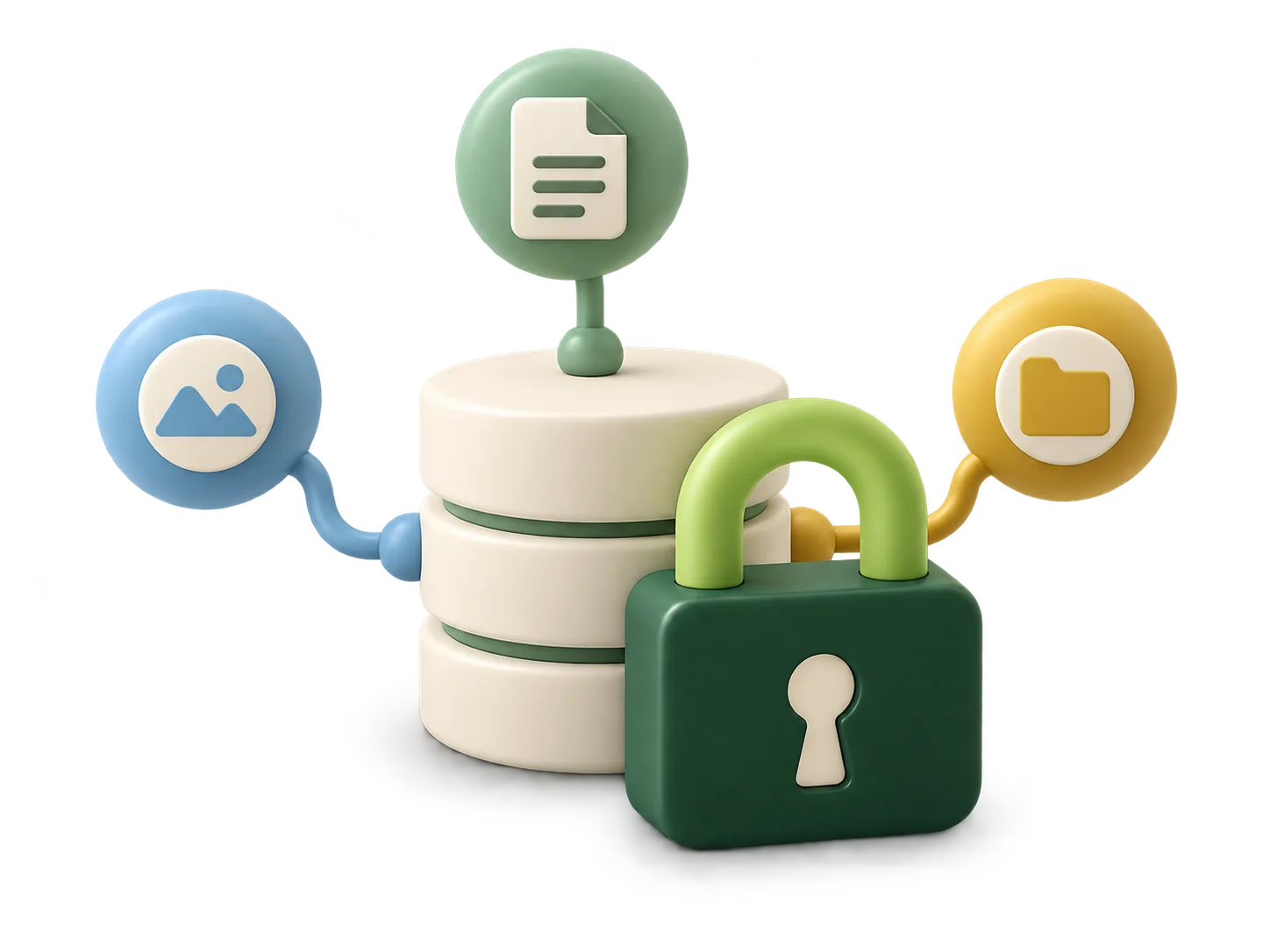
Optional encryption
Selected client, matter, and document data can be encrypted in the database and on disk. Keys are kept outside the web root or supplied through environment variables, not stored in the database, code, or Git.
Encryption is optional and disabled by default. Enabling it changes sensitive-field search to exact matching. On shared hosting, the documentation does not describe an HSM/KMS; database-at-rest encryption at the hosting layer remains the infrastructure provider’s responsibility. If AI document analysis is enabled, document content is sent to OpenAI over TLS.
Adaptable to your firm
A platform that can fit the way your firm works.
Every firm has its own working practices and priorities. LawFirmApp’s modular approach makes it possible to discuss evolving needs. Altweeb can assess extensions, integrations, or tailored development based on feasibility and an agreed scope.
Discuss your requirements
- A modular architecture
- Adaptations assessed around your needs
- Support defined around the selected services
Deployment
Choose a deployment approach to discuss with us.
The technical scope and responsibilities are agreed as part of the selected offer.

Cloud
A hosted platform under the terms of the selected offer. Hosting, maintenance, backups, and updates are agreed with Altweeb before work begins.

Self-hosted
An installation on your organization’s infrastructure, subject to technical compatibility. Operations and maintenance responsibilities are agreed in advance.
Find your approach
Cloud or self-hosted: which option should you explore?
Answer three questions about your constraints and operational capacity.
Next steps
From an initial conversation to implementation
- 01
Initial discussion
Understand your needs and how your firm works.
- 02
Demonstration
Explore the features relevant to your practice.
- 03
Proposal
Define deployment and adaptations to assess.
- 04
Implementation
Plan the agreed rollout and support.
Scope, schedule, and pricing depend on your needs and the services agreed.
FAQ
Frequently asked questions
Who is LawFirmApp for?
LawFirmApp is designed for law firms looking to organize matter information and everyday work in one platform. The right setup depends on the firm’s needs.
Which features are available?
The application includes areas such as matter records, client information, hearings, deadlines, tasks, and a legal calendar. Modules and options can vary by configuration.
Is the platform available in the cloud and self-hosted?
Both deployment approaches can be discussed. Availability depends on the offer and agreed technical conditions.
Can we request specific features?
Share your requirements with Altweeb. Feasibility, scope, cost, and schedule for an adaptation are assessed case by case.
How is pricing determined?
Pricing depends on deployment, configuration, and requested services. Contact us to discuss a quote for your needs.
How can we request a quote?
Use the form on this page to tell us about your firm and requirements. Altweeb will review the details and follow up about a suitable proposal.
How are updates and maintenance handled?
These arrangements depend on deployment and selected services and are described in the relevant proposal.
What about security, hosting, and backups?
These details vary with the selected infrastructure and offer. Hosting, backup, and operations responsibilities should be confirmed with Altweeb before deployment.
Let’s talk about your project
Request a LawFirmApp quote for your firm.
Tell us how your firm works and what you need. We’ll review your requirements and get back to you to discuss the right scope.
A product supported by AltweebRequest a quote
Fields marked with an asterisk are required.