
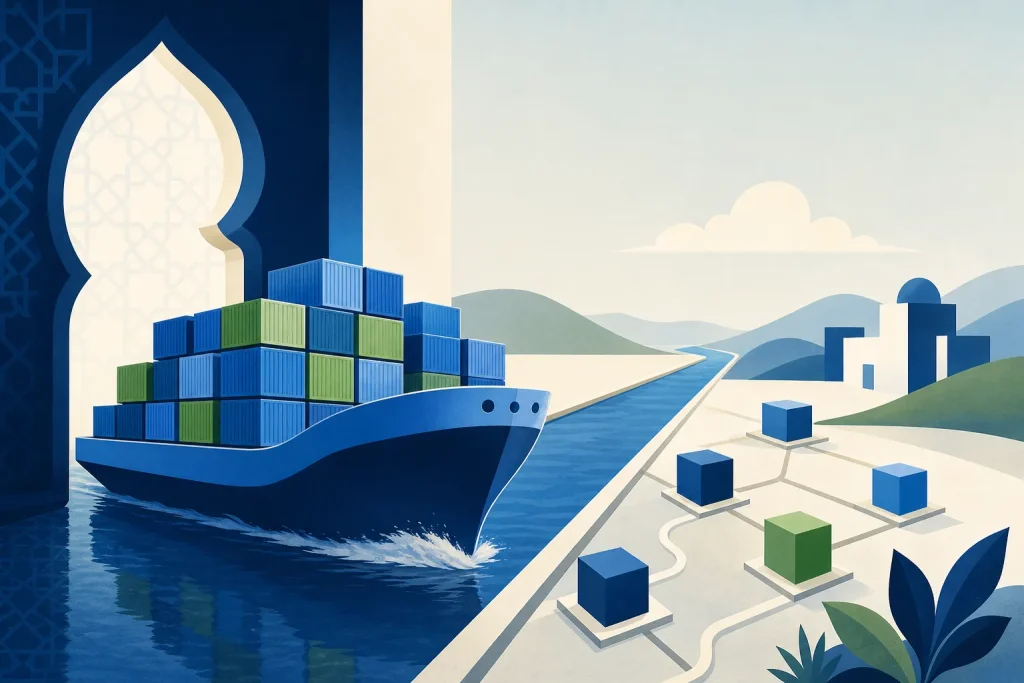
Deploying an application should not depend on a developer remembering which runtime, libraries and setup steps were installed on a particular server. Docker helps teams package an application and its dependencies into an image that can be tested, shared and deployed consistently. That can reduce environment-related surprises, but it does not remove the need for security, monitoring or a recovery plan.
How Docker changes the deployment process
A Docker image is a read-only package containing the application and the files needed to start it. A container is a running instance of that image. According to Docker’s image documentation, images are immutable: changing their contents means creating a new image.
This distinction matters for release management. Instead of installing dependencies separately in each environment, a team can build an image once, test it, store it in a registry and deploy that same image to production. Identifying it by its digest helps ensure the released artifact is the one that was tested. Configuration, external services and infrastructure can still differ, so the same image alone cannot guarantee identical behavior everywhere.
Where organizations can benefit
More predictable handoffs
Developers, testers and operations teams can work from the same packaged application rather than reconstructing its environment by hand. This is useful when delivery involves multiple teams or an external partner: the image and its build instructions provide a concrete artifact to review and transfer.
Repeatable releases
A continuous integration and delivery pipeline can build an image, run automated tests and publish an approved version. Docker’s build guidance recommends building and testing images in CI. Retaining the previous approved image also gives the team an artifact to use in a rollback.
Flexible deployment choices
Containers can run on compatible infrastructure in a data center or cloud environment. That can make a future move easier, although differences in processor architecture, operating-system requirements, networking, storage and managed services still need assessment. Docker does not automatically make an application portable across every platform.
Controlled updates and scaling
Running additional instances can help an application handle demand, but capacity planning and traffic management remain necessary. For more complex environments, an orchestrator such as Kubernetes can manage replicas and gradual updates. Its Deployment documentation also describes rollback to an earlier revision. These are orchestration capabilities, not automatic guarantees provided by a Docker image; application health checks and database compatibility still matter.
A practical release workflow
- Choose a suitable service. Start with an application component whose dependencies and deployment requirements are understood.
- Build and test. Define the image in a Dockerfile, run automated tests against the built image and record its digest.
- Publish and promote. Store the approved image in a registry with appropriate access controls. Promote that same digest through staging and production, supplying environment-specific configuration separately.
- Release and observe. Check application health, logs and error rates after deployment. Use a gradual rollout where the platform and application support it.
- Prepare recovery. Keep the previous image and test the rollback procedure, including how database changes and external dependencies will be handled.
For local development or a straightforward multi-container setup, Docker Compose can define and run services together. A single-host setup may be sufficient for a small workload; Kubernetes or a managed container platform may be worth considering when availability, scaling or operational requirements justify the added complexity.
What Docker does not solve on its own
- Security: Select maintained base images, scan for known vulnerabilities, limit privileges and schedule updates. A clean scan is not a complete security review. Docker describes image analysis and its vulnerability data in Docker Scout image analysis.
- Secrets: Do not bake passwords or tokens into images. For build-time credentials, Docker recommends secret mounts; use an appropriate secret-management mechanism at runtime as well.
- Persistent data: A container can be replaced, but important data needs storage outside its writable layer. Docker volumes can persist beyond a container’s lifecycle; backups and tested restores remain separate responsibilities.
- Updates: Pinning a base image by digest improves build control, but it also means security updates must be deliberately adopted and tested.
Questions to ask a delivery partner
Before agreeing on an approach, clarify who owns the source code, image registry, deployment pipeline and production access. Ask how images are tested and updated, how secrets and data are protected, and who handles monitoring, incidents and recovery after handover. Agree on measures such as deployment frequency, failed-release rate and recovery time, using an initial baseline rather than assuming Docker will improve them automatically.
Altweeb’s software development and technology consulting services provide a relevant context for discussing these delivery choices with organizations and potential partners. The right design depends on the application, team and operating model—not on containerization alone.
Conclusion
Docker improves deployment by making the application package easier to reproduce, test and promote. The strongest results come from pairing that package with clear ownership, secure operations and a release process the team can maintain.
To explore this further, see Digital products built around specific needs..





Add your perspective